
How to Capture the Perfect Drone Photo of the Northern Lights: A Practical Guide
January 19, 2026
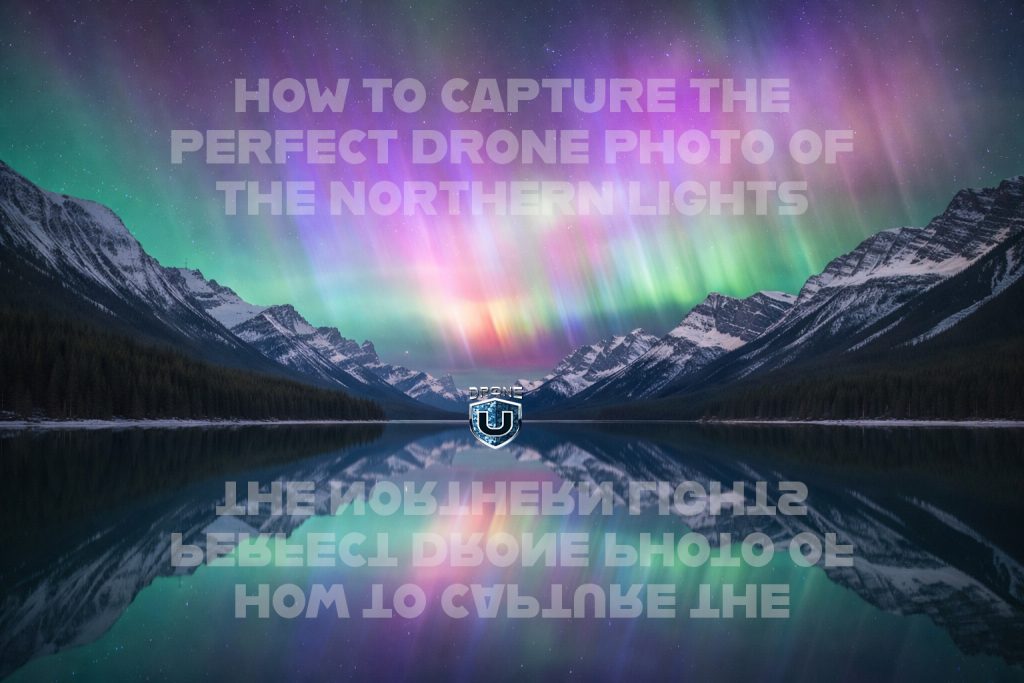
Photographing the Northern Lights with a drone can produce breathtaking results—but it’s also one of the most technically challenging aerial photos you’ll ever attempt. This guide focuses on what you need to know before and during flight so you can maximize image quality while minimizing risk.
Before we talk camera settings, you need to understand the environment you’re flying in.
During strong aurora activity, geomagnetic storms and a high KP index can disrupt GPS. When GPS becomes unreliable, drones may:
Drift unexpectedly
Lose position hold
Initiate erratic movement or flyaways
Flyaways are likely under these conditions. If you haven’t already read our full breakdown on geomagnetic storms and GPS interference, make sure you do that first before attempting this flight.
If you don’t know how to stop a flyaway, this is not the time to learn.
If conditions allow and your drone does achieve a GPS lock, proceed cautiously.
Once stable:
Turn on your camera
Avoid unnecessary maneuvering
Prepare to capture quickly—conditions can change fast
If GPS is unstable or dropping in and out, consider aborting the flight.
Northern Lights photography has extreme contrast and unpredictable brightness.
Enable AEB photo mode to:
Capture multiple exposures per shutter press
Increase your chances of getting a usable frame
Preserve highlights and shadow detail
This is one of the easiest ways to hedge against rapidly changing aurora intensity.
Start with:
ISO 200–400
Lower ISO:
Reduces noise
Preserves color gradients in the aurora
However, aurora intensity varies wildly—be willing to adjust if needed. Grainy light is better than no light at all.
This is the most important variable.
Because your drone will move, especially with KP index interference, shutter speed becomes a balance between light capture and motion blur.
1/5 second
1/4 second
1/2 second
1 second
5 seconds
10 seconds
Every aurora behaves differently. Some look better frozen; others benefit from motion blur. There is no single correct setting—test them all.
Flying lower dramatically improves your results.
30–50 feet AGL
Why this works:
Optical flow sensors help stabilize position
Less wind and drift
Reduced GPS dependency
Well-lit buildings
Bright parking lots
Urban lighting features
The visual reference below your drone helps it “lock” into space far better than flying high over darkness.
Your exposure formula should prioritize light gathering.
F-stop: wide open
Let the lens pull in as much light as possible
You’re already fighting motion and interference—don’t choke the exposure.
To preserve that iconic green glow:
Set a manual white balance and keep it consistent
Or leave it on auto and fine-tune in post
Consistency matters more than perfection. Changing white balance shot to shot makes editing harder later.
For the best Northern Lights drone photos:
Longer shutter speed
Wide-open aperture
Lowest usable ISO
Low altitude (30–50 ft)
Fly over a well-lit surface
Minimal movement
This combination gives you the best chance of capturing a sharp, colorful aurora image from the air.
Capturing the Northern Lights with a drone is equal parts art, science, and risk management.
The visuals can be stunning—but only if you:
Respect geomagnetic interference
Fly conservatively
Understand your camera and your aircraft
Accept that conditions may force you to abort
Get the shot—but only if you can do it safely.
Sometimes, the smartest decision is knowing when not to fly.
 2
2