
Automated Real Estate Drone Workflows: From Shot List to Listing Delivery

November 27, 2026
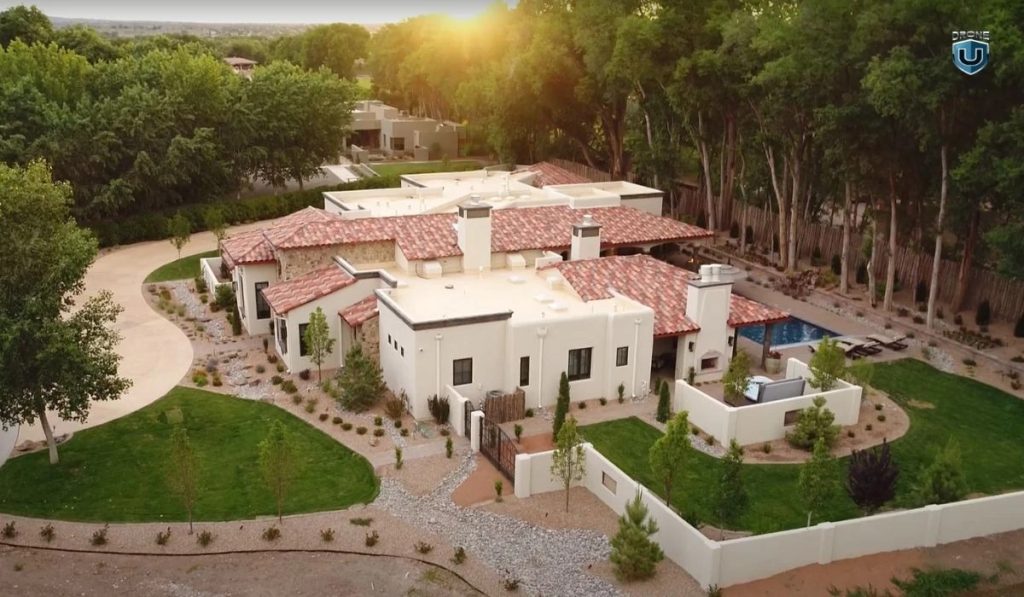
Real estate agents do not hire you for “some drone photos.” They hire you to deliver listing-ready stills and video on a deadline, in a format they can hand to a seller, a marketing coordinator, or an MLS upload. A one-off, improvised shoot can look fine once. A real estate drone workflow is what lets you book the next three listings without adding three more late nights.
This is a 2026 pipeline, from shot list to delivery, for automated real estate drone photography and video. It is about templates, presets, galleries, and turnaround times, not another list of generic camera tips. If you want the fundamentals of how to shoot a property, our earlier guides on drone real estate photography and using drones for real estate photography still cover the flying and framing. This article is about running that work like a business.
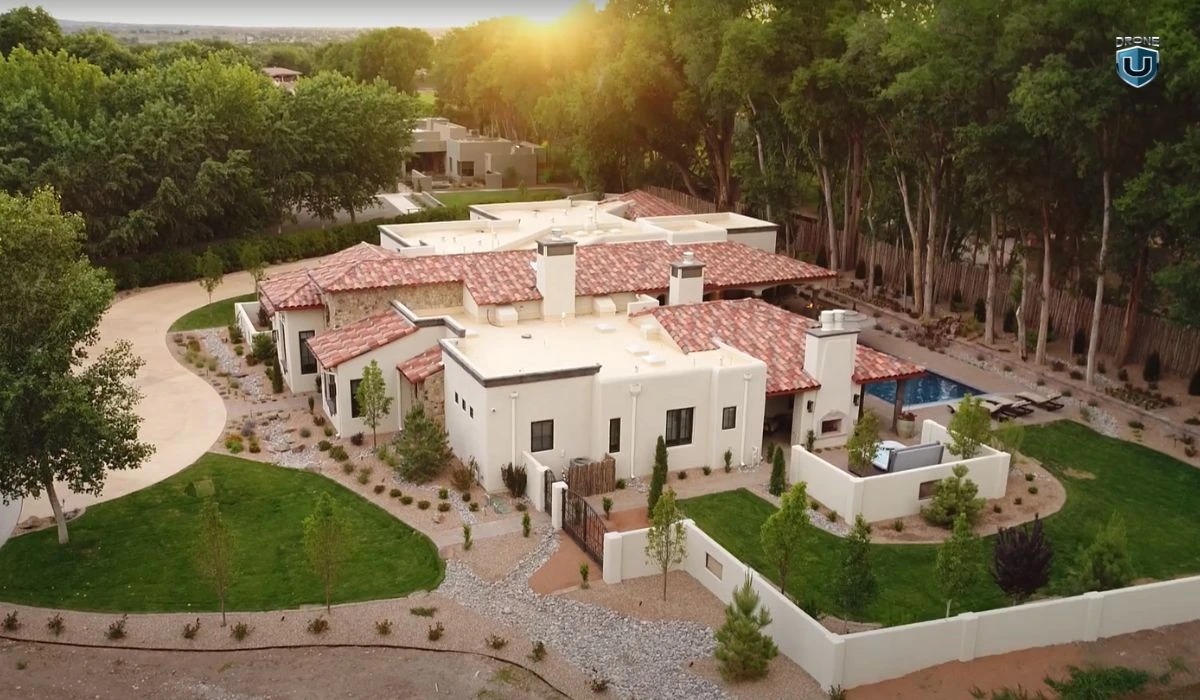
A consistent aerial of a listing is the product. The workflow behind it is how you deliver that product on time, job after job.
Most of the time you lose on a real estate job is not in the air. It is in the back-and-forth before the flight, the “what shots do you want?” texts, the edit you rebuild from scratch, and the delivery folder an agent cannot parse. Automation here means you stop reinventing those steps.
A working pipeline has five parts:
Paid real estate work in the United States requires a Part 107 certificate. If you are not licensed yet, the Drone U Part 107 course is designed so you can study and pass in 3 days, then come back to this workflow.
Do not ask an agent to invent the scope in a text thread. Offer two or three named packages and let them pick. A simple structure many pilots use:
Put the shot count, video length, revision policy, and delivery window in the quote. “We’ll send a nice gallery sometime this week” is not a product. “Aerial stills and a 45-second video delivered within 24 hours of a completed flight, with one round of revisions” is a product. That specificity is also what lets you automate confirmations, invoices, and delivery emails later, once the production path is stable.
A shot list is the difference between a complete gallery and a callback. Write one master list per package, then a short addendum for property type.
A residential listing stills list might include:
Add a short list for land or lots (boundaries, access, terrain, nearby features you are allowed to show) and one for small commercial or multifamily (parking, ingress, signage, roof or amenity areas). Keep “nice to have” shots off the standard list so you do not promise them on a 20-minute occupancy window.
Share the shot list with the agent when the job is booked. If they need an extra angle, it gets added in writing, with any extra fee, before you arrive. That one habit cuts most mid-edit surprise requests.
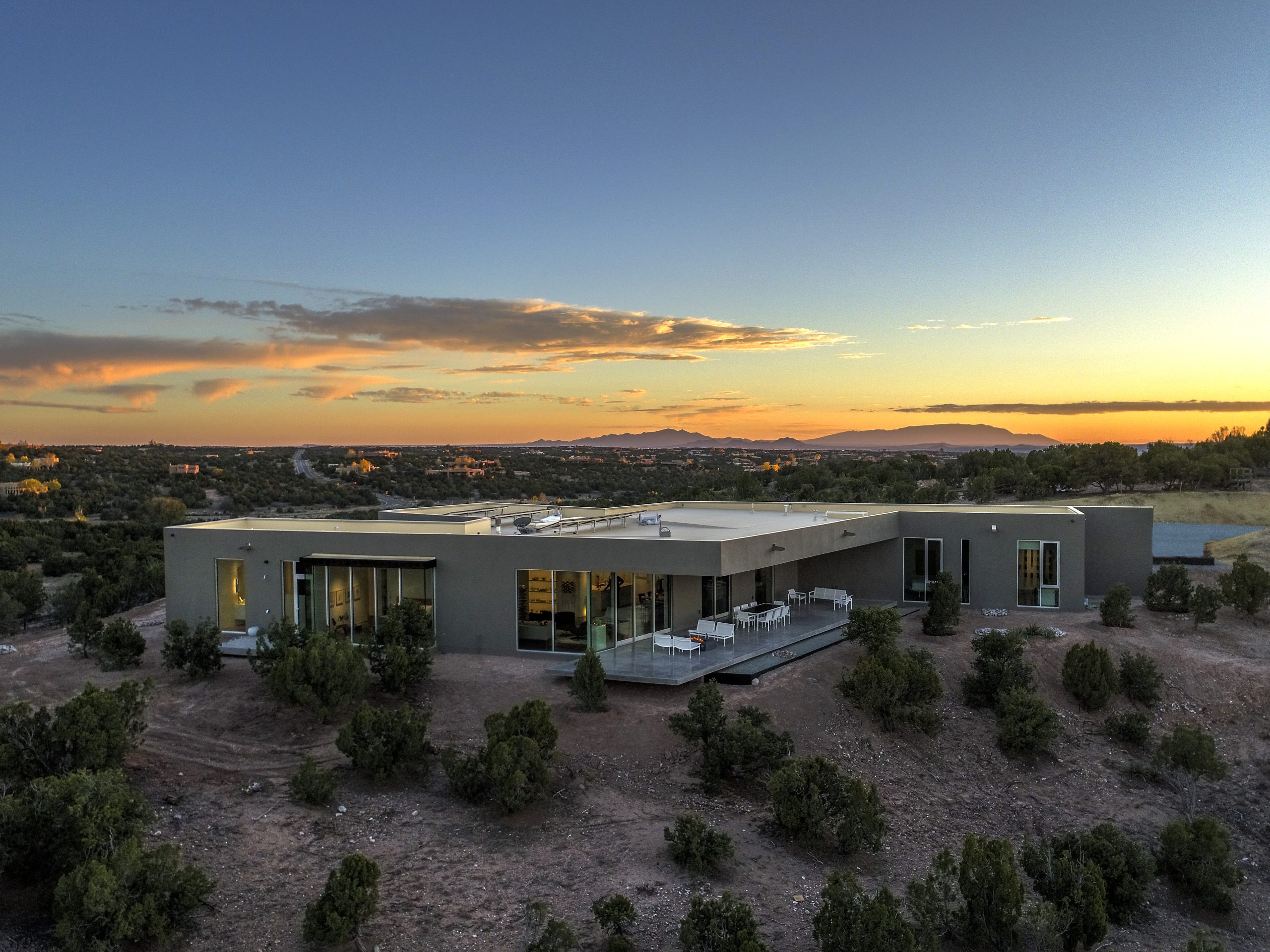
Twilight and elevation shots should be on the shot list, not left to memory on site.
Once the shot list is stable, turn it into a flight template. Depending on your aircraft and app, that may be a saved waypoint mission, a set of orbit and reveal profiles, or a simple written pattern you run the same way at every similar property: establish the front, work the sides and rear, grab the amenity, then the context shot.
Templates do three things:
Leave room to fly a feature that the template cannot see, such as a mountain view or an unusual courtyard. The template is the floor, not the ceiling. For cinematic fly-throughs and FPV-style listing video, a repeatable path matters even more, which is the focus of Flight Mastery plus Real Estate Videography and Fly-Throughs.
Do the airspace and weather work when the job is booked. If the listing sits in controlled airspace, get LAANC or the appropriate authorization early and keep the authorization with the job packet. A beautiful template does not help if you cannot legally take off.
Write a short on-site checklist and use it even when the property feels familiar:
If you offer interiors or a virtual tour, keep that gear in a packed, repeatable kit. The less you invent in the driveway, the faster you can take a second booking the same day.
This is the other half of an automated real estate drone photography workflow. Color, crop, sharpening, and export settings should be presets, not a creative project you rediscover on every listing. Build a stills preset that matches your typical lighting, and a video grade and export preset for the platforms your agents actually use. Batch what you can. Save a short “selects” pass so the gallery is a curated set, not every frame from the card.
Then use a delivery checklist that the job cannot skip:
AI can help with captions, a first-pass delivery email, or a social cut from a job you already finished, but it should not be the only quality control on a listing gallery. You still watch the video and scan the stills before the agent does. For help automating those office messages without giving up approval, see the AI agents and automation course and ai.thedroneu.com.
Deliver a gallery an agent can use, not a pile of files. That usually means a single link, a sensible order (hero front elevation first, then the rest of the stills, then video), and filenames that include the address. Ask the agent, once, how their brokerage or MLS wants files delivered, and save that as a client note so you do not re-ask on every listing.
Then publish a turnaround and protect it. Many busy listing markets expect stills the same day or within 24 hours of a completed flight, with video on a slightly longer clock if the package is more involved. Only promise what your calendar and weather buffer can support. A reliable 24-hour stills delivery will get you more repeat bookings than an occasional six-hour miracle followed by a silent weekend.
If weather slips the flight, tell the agent as soon as you know, give the new window, and keep the delivery clock tied to the completed flight, not the original hope. Put that rule in the booking confirmation so it is not a debate.
Agents talk to each other. What they repeat is not that you own a particular aircraft. It is that you were easy to book, you showed up prepared, and the gallery landed when you said it would. A template-driven real estate drone workflow is how you take more of those jobs without stretching every weeknight to midnight.
The capacity gain comes from shorter flights, faster edits, fewer revision cycles, and less time spent rewriting the same emails. That is also why the office automations (scheduling, confirmations, invoicing, and delivery notes) belong next to the flight templates. The production system and the business system are one pipeline.
If you want the production skills behind premium packages, start with the Real Estate Drone Bundle and, for fly-throughs, Flight Mastery plus Real Estate Videography. If the bottleneck is licensing, use the Part 107 course and pass in 3 days. If the bottleneck is the office work around each listing, the AI automation course is the next step. And if you want to add AI-generated video to your listing packages, the AI Video Directing Course shows you how, with more AI training at ai.thedroneu.com.
 0