This step-by-step course teaches you how to edit drone footage the right way — from camera settings to final delivery. You’ll learn the real-world editing techniques Drone U professionals use to create sharp, cinematic videos quickly and efficiently.
Whether you’re new to editing or ready to sharpen your skills, this course gives you everything you need to edit faster, smarter, and with more confidence.
 We’ve assisted Netflix producers and production managers on several projects. This includes flying to produce 3D models they used for location and set planning.
 More than 100 Tesla drone pilots from their solar group have used our online training for both Part 107 prep and understanding safe drone operations.
 We’ve performed drone flights for several of their wake surfing events, as well as flights for many of their boat commercials.
 We proudly serve Warriors online in the efforts to become Part 107 certified as well as through in person training equipping them for a successful career in the UAS vertical of their choosing.
 We’ve trained several of their drone pilots on solar inspections with drones. We’ve also provided photogrammetric flights on a large construction project as part of the creation of 3D models for the project.
 We are American Electric Power’s UAS training partner, delivering Part 107 prep via our PROPS LMS, in-person Flight Mastery training, ongoing recurrency training, and mission-specific instruction tailored to utility operations. Ensuring pilots maintain readiness and execute safely in real-world environments.
 Provided in person preparatory training for the FAA Part 107 exam as well as flights over water training.
 We’ve trained dozens of Weitz pilots both online and in person. From Part 107 prep to Flight Mastery and Mapping Boot Camps. We’ve been a trusted advisor as they’ve built their program over the past few years.
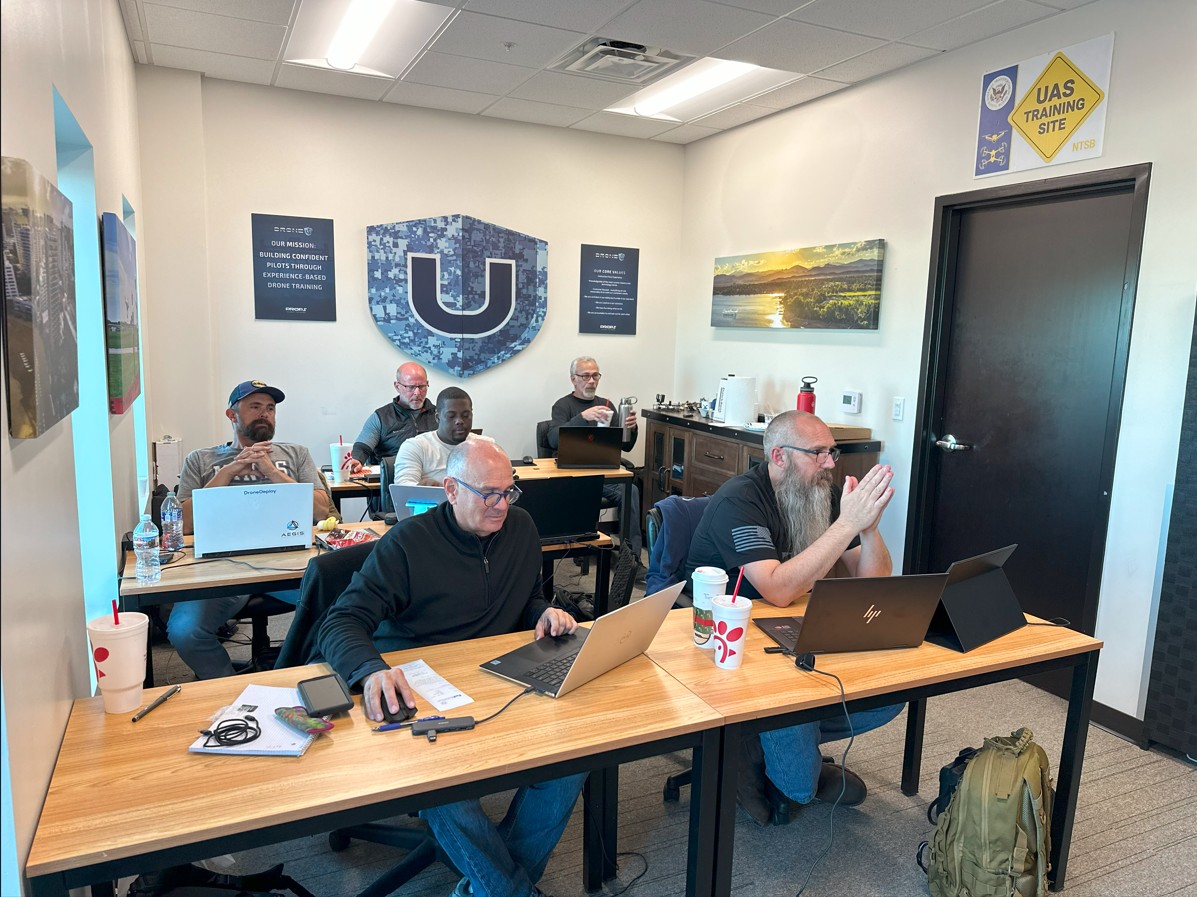
 One of our more exciting training opportunities, we’ve been onsite at the NTSB Training Academy multiple times to provide accident reconstruction with drones training; a complex and important element of the work they do. They’ve also had pilots attend other training events we’ve held.
 We’ve been NYPA’s training partner and/or UAS consultant since late 2021. This includes over 120 pilots who’ve prepped for Part 107 on our PROPS LMS, and dozens of pilots we’ve trained in person on Flight Mastery and drone mapping. We’ve also consulted on their UAS training manual and SOPS.
 We’ve trained several of their pilots in person. They took our 3 Day Enterprise Flight Mastery course, which included N.I.S.T. training.
 Several drone pilots from the Geico aviation team took multiple courses on our PROPS LMS platform. Including Part 107 Prep, Safe Drone Operations, Don’t Crash Courses, and many others.

We're confident you'll love this course, but if for any reason you don't, we've got you covered with a no-fuss 14-day money-back guarantee.

Once you're in, you're in for life. Come back anytime for a quick refresher. Never loose access to a course you have purchased.
This training empowers you to master the practical workflows of creating 2d maps and 3d Models in a variety of softwares so you can always get the job delivered.
Learn from instructors with real-world experience in drone mapping and modeling, bringing you practical wisdom and insights.

Get direct answers to your questions, and learn from your peers in our friendly and supportive community forum.

Learn from the pioneer in drone training with over 25,000 drone pilots trained and a vast experience spanning a decade
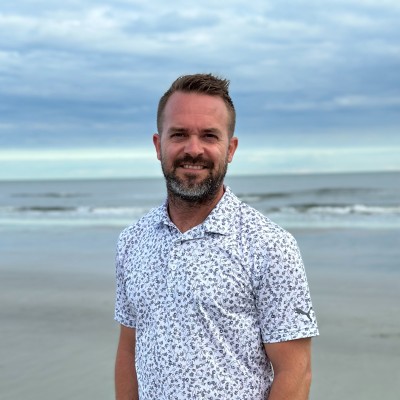
Jon Elliott is a seasoned drone pilot and founder of a successful drone services company based in Milwaukee, Wisconsin. With years of real-world flight and editing experience, Jon specializes in creating client-ready drone videos using Final Cut Pro. In this course, he brings you practical editing workflows, clear demonstrations, and battle-tested techniques you can apply immediately, helping you transform your raw footage into polished, professional video assets.
Master the real-world Final Cut Pro workflows professionals use — and produce videos that clients love.

My experience with The Drone U's Flight Mastery Class was nothing short of extraordinary! From the start, Paul and Brandon guided me and my classmates through the intricacies of drone flight with unparalleled enthusiasm and insight. Every lesson was intricately designed, providing a blend of theoretical knowledge and hands-on experience that was engaging and invaluable for even an experienced drone pilot like myself. The selected environment was conducive for learning and mastering the skills necessary to navigate the skies confidently and responsibly. I emerged not just with technical proficiency, but with a deep understanding and appreciation for the art of drone flying. If you’re seeking to elevate your drone flight skills to professional heights, look no further than The Drone U! Their Flight Mastery Class is a soaring testament to their commitment to cultivating skilled and responsible drone pilots. Five stars are truly not enough to encapsulate the brilliance of this establishment!!!
The Drone U is the place to learn to be a confident and knowledgable drone operator. I recently participated in the Flight Mastery and Mapping class, and the experience was better than what I could have ever expected. Aside from all the valuable information taught, the individuals teaching are just GREAT HUMAN BEINGS! They really care about everyones growth and your success. Thank you Paul! Thank you Brandon!
The Drone U has been an incredible resource for educating myself in drone safety and overall drone knowledge.
I have taken courses from other “drone experts” and nothing compares to the Drone U. The knowledge they provide goes into far greater depth and detail than I expected. It is the most comprehensive drone school I have found and I am happy to have been a member for almost two years.
Without the Drone U I would be lost in my drone journey! If you are on the fence or have drone related questions I suggest you sign up and try it out. The community that is included with membership is very knowledgeable and always willing to help answer your questions along the way.
These guys deserve a 10/10 rating.
As an aspiring drone pilot, I couldn't help but leap at the opportunity to write drown my exhilaration and appreciation to The Drone U team for the extensive and supremely informative courses offered at The Drone U!
Navigating through the world of drones can be quite daunting. The sky's the limit (literally!), and with the technology advancing at breakneck speed, I found it crucial to get trained by the very best in the field. Enter The Drone U - a beacon of unparalleled knowledge, expertise, and commitment to nurturing drone enthusiasts like myself!
From the get-go, I was enamored by their comprehensive catalog of online courses. Each module is meticulously crafted to cover the A-Z of drone piloting and services, ensuring students are not just 'in the know' but also poised to soar high with confidence and competence.
What truly sets The Drone U apart is their unwavering dedication to quality and student success. The courses are not merely theoretical jargon thrown your way. Instead, they come alive with real-world applications, hands-on training sessions, and invaluable insights from seasoned professionals who've conquered the skies, one drone at a time.
Engaging, enlightening, and empowering – each lesson is a stepping stone towards mastering the art and science of drones. Whether you're a novice with dreams of capturing breathtaking aerial shots or a seasoned service provider keen on refining your skills, The Drone U is your ticket to a thrilling adventure up in the clouds!
But wait, there's more! Beyond the courses, The Drone U community is a treasure trove of resources, networking opportunities, and unending support. Here, learning doesn't cease once a course ends. Instead, it continues, evolves, and transforms into a journey where every day heralds new possibilities and learning moments.
I am not just a student at The Drone U; I am a proud member of a community that thrives on knowledge-sharing, collaboration, and an unquenchable thirst for flying higher and farther. My experience has been nothing short of magical, and I’m stoked to navigate the skies with the unmatched skills and confidence instilled by The Drone U's stellar training programs.
For anyone looking to turn their drone piloting dreams into reality, look no further than The Drone U. With their unrivaled expertise, dynamic courses, and steadfast support, your journey from ground to sky will be as smooth, enjoyable, and rewarding as mine has been!
To the incredible team at The Drone U – thank you for being the wind beneath my wings (or should I say, rotors?). Here’s to many more years of successful flights and delighted students!
Fly high, learn higher with The Drone U! 🚁🌟
Attended the mapping bootcamp and flight mastery training and I am glad that I did. The knowledge and experience was invaluable. Even though I have been flying drones for years, I still learned so much from these guys! If you are a drone pilot (of any skill level) or want to be a drone pilot, join the Drone U community and let them teach you how to up your game!
Been a member for years, this is your one stop shop for drone knowledge. Everything from first flight through mastery and beyond. Incredible group of people, thank you Drone U for all that you have done for me!
This was a great period of instruction. Paul and PJ taught from the ' We've been there' point of view. The hands on Mapping course, coupled with Flight Mastery, is a boon for me and my business. Thanks guys.
Excellent training, excellent content, excellent experience! Can't wait to attend another training course.
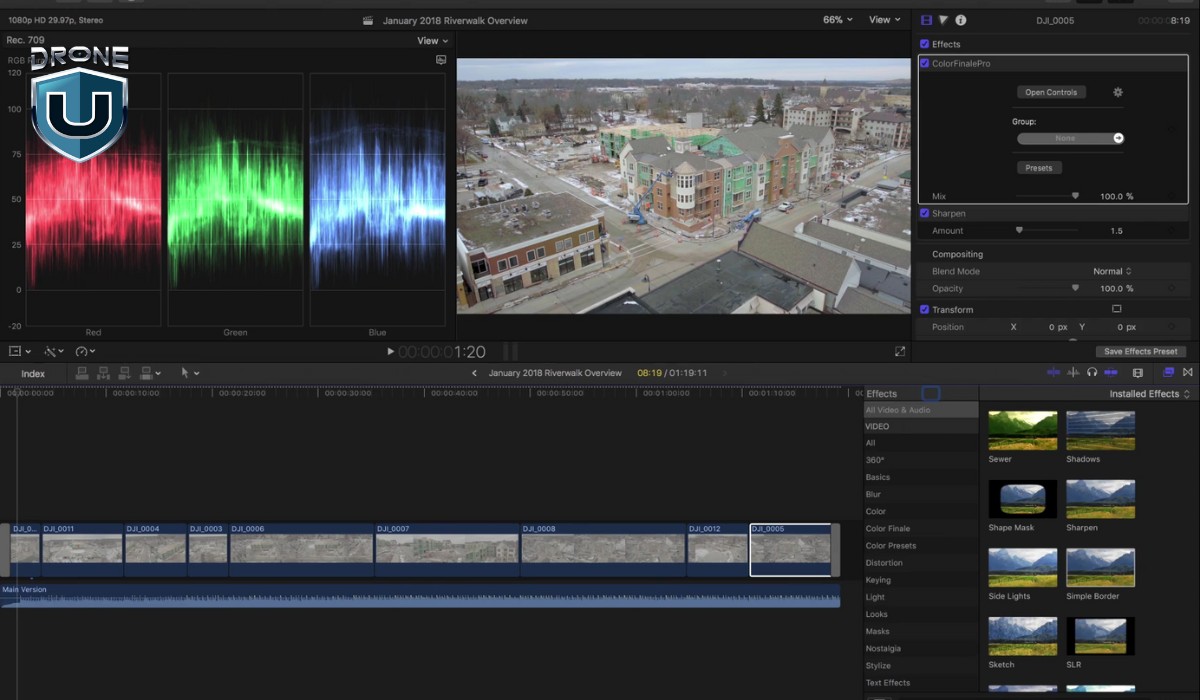
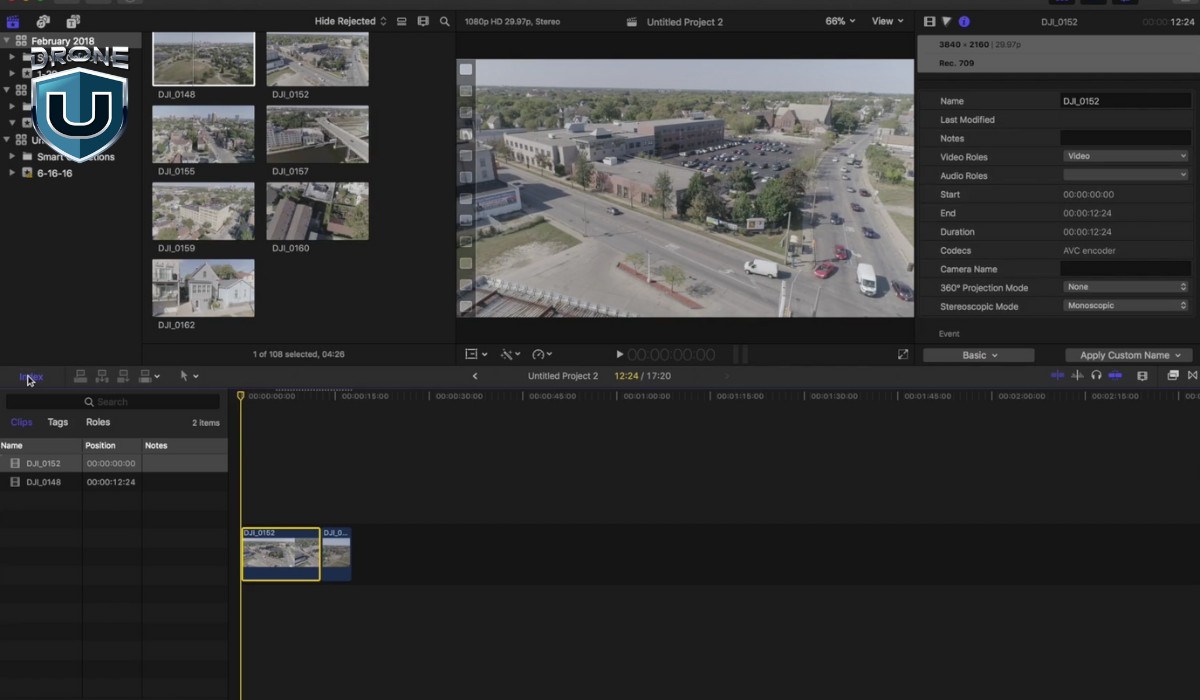
You'll learn camera settings, organizing footage, editing in the timeline, retiming clips, color correction, LUT application, adding effects, branding videos with motion titles, and preparing client-ready final deliveries.
Follow the course chronologically. Each lesson builds your skillset progressively — from setting up camera footage properly to delivering polished edits.
No prior experience needed. Jon walks you through everything from basic setup to intermediate editing techniques.
Yes — while the course focuses on Final Cut Pro, many principles (organization, storytelling, color grading) apply across other major editing platforms.