
Automate Your Drone Services Business: Scheduling, CRM, Invoicing, and Client Delivery

November 27, 2026

If you already fly well, the thing quietly limiting your income is probably not the aircraft. It is the hours you spend answering inquiries, chasing weather and airspace, booking shoots, sending invoices, and hunting for files when an agent asks for “the photos from Tuesday.” This guide is a practical playbook to automate your drone business: lead intake, a simple CRM, scheduling with LAANC and weather checks, invoicing, and a client delivery system a solo pilot or small team can actually run.
The examples lean on real estate work, because that is where many Part 107 pilots first feel the crunch: several agents, tight listing deadlines, and weather that does not care about an open house. The same system works for inspections and other paid jobs. The goal is not to fly on autopilot. The goal is to stop rebuilding your office from scratch after every shoot.

The office side of a drone services business: editing, delivery, and follow-up are where automation saves the most time.
Automation, here, means repeatable steps plus tools that draft or move work for you. A calendar hold, a CRM stage, a pre-flight weather and airspace check, an invoice created when a job is marked complete, and a shared folder or portal the client can actually find are all automations. So is an AI assistant that drafts a quote, a confirmation text, or a delivery email for you to approve.
What it does not mean is handing the aircraft, the airspace decision, or the client relationship to software. You remain the remote pilot in command. You still decide whether the weather, the site, and the authorization are good enough to fly. You still review what goes out under your name. Start every new automation in draft or approval mode until you trust it.
If you want to get paid for this work in the United States, you also need a Remote Pilot Certificate. The Drone U Part 107 course is built so you can study, take the FAA knowledge test, and pass in 3 days, then come back to the business systems in this article.
Write the path a typical job already takes, then automate the handoffs. For a real estate listing, it usually looks like this:
If a step still lives only in your head or your text message thread, that is the first one to systematize. You do not need a complicated tech stack to start. You need each job to follow the same path.
A CRM does not have to be enterprise software. It has to be one place where every inquiry lives, with a status you can see at a glance: new, quoted, booked, flown, delivered, paid, or lost. Spreadsheets work until they do not. Many solo pilots do well with a lightweight CRM or even a tightly structured pipeline in the tools they already use, as long as nothing important stays only in a phone inbox.
For each lead, capture at least:
Automate the first response, not the decision to take the job. A form or booking page can ask the qualifying questions so you are not playing email tag. An AI assistant can draft a reply and a quote from your price sheet, then wait for your approval. That is the same idea behind the lead and quote workflows we teach in the AI agents and automation course and at ai.thedroneu.com: the bot prepares the work, you stay in command of what actually goes to the client.
Give every new job a unique job ID and a folder name that uses it, the date, and the property address. That ID should follow the job through the calendar, the delivery link, and the invoice. When an agent writes back three weeks later, you should not have to search your camera roll.
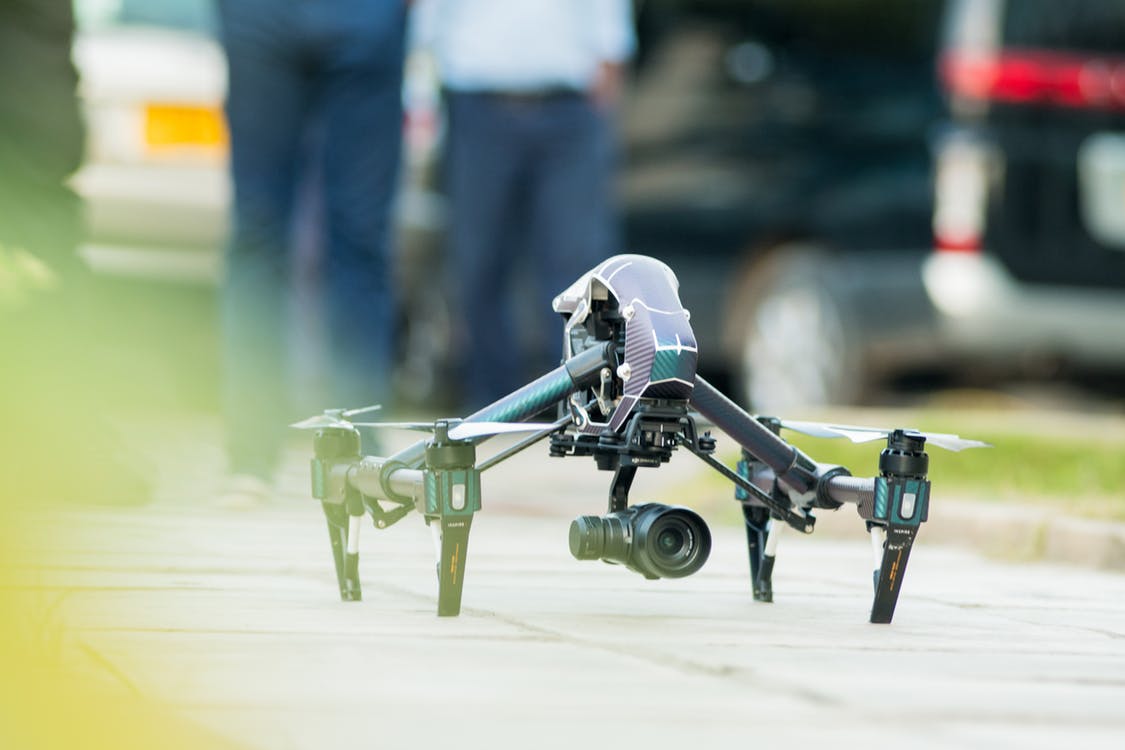
A booked job still starts on site. Automation should get you there prepared, not replace the flight.
Scheduling is where drone businesses leak time. A listing that looked open on Tuesday gets a thunderstorm, a controlled-airspace authorization you forgot to request, or a neighbor who cannot give access until noon. Build those checks into the booking, not into a scramble the morning of the shoot.
A practical scheduling rule set looks like this:
You can automate reminders and first-pass weather or airspace summaries. You cannot automate the judgment call. If the gusts, visibility, or authorization are not right, you postpone. A short, professional reschedule message, already drafted, protects the relationship and keeps the calendar honest.
Invoice when the work is delivered, not “when you get around to it.” Connect the job record to your invoicing tool so the amount, job ID, and client details are already there. If you take a deposit to hold a listing date, say so on the quote and collect it when the job is booked.
A clean money path usually includes:
AI can draft the invoice and the reminder. You approve the first several, then loosen the reins if the drafts stay accurate. Keep your pricing in one place (a price sheet the system can read) so quotes and invoices do not drift apart. For a broader look at how to price the work itself, see our drone service pricing guide.
Delivery is where small operators still lose evenings. Years ago, the conversation was mostly about hard drives, editing computers, and where to park giant video files. We wrote about that in our older post on editing and storage setups for professional drone pilots. The hardware still matters, but it is no longer the whole system. Clients expect a link, a consistent folder layout, and a way to request a fix without another week of email.
Build a delivery standard:
You can start with a well-organized shared drive. As volume grows, a simple client portal or branded delivery tool is often worth it, especially for real estate agents who want to forward one link to a seller or a marketing team. Automate the “delivery is ready” message, then send it after you have actually checked the gallery.
If real estate is your main market, pair this office system with a repeatable shoot-and-edit pipeline. Our Real Estate Drone Bundle covers the production side: aerials, virtual tours, and 3D work agents can use in a listing. This article is about making sure that work gets booked, scheduled, and delivered without eating your week.
Here is an illustration of how a solo operator who shoots several real estate jobs a week might run the system. Adjust the days to your market and your weather patterns. It is a rhythm, not a requirement.
| When | What you do | What can be automated or drafted |
|---|---|---|
| Sunday evening or Monday morning | Review the pipeline: new leads, unpaid invoices, and the week’s booked shoots. Confirm airspace and access for anything already on the calendar. | A digest of new leads, unpaid invoices, and a first-pass weather/airspace summary for the week’s addresses. |
| Weekday mornings | Approve overnight drafts (quotes, confirmations, reschedules). Do a final go/no-go on today’s jobs. Fly. | Quote drafts, confirmation texts, and a weather briefing for each address. |
| After each flight | Ingest cards into the job folder, back up, and start the edit from your presets. | Folder creation from the job ID; a checklist that will not let you mark the job “delivered” until backup and delivery are done. |
| Late afternoon or a set editing block | Finish selects, run the delivery checklist, and send the gallery. Mark the job delivered so the invoice can go out. | Delivery email draft, invoice draft, and a scheduled payment reminder if needed. |
| End of week | Follow up on unpaid invoices and delivered jobs. Ask happy agents for a review or a referral. Look at next week’s calendar and close or recycle stale leads. | Review/referral drafts and a list of leads with no activity. |
The point of a weekly rhythm is that marketing and follow-up do not vanish on the weeks you are busy flying. That is usually when a small drone business stalls.
Do not try to automate all seven stages in one weekend. Pick the leak that costs you the most time or money. For many real estate pilots, that is either the first response to a new inquiry or the delivery-and-invoice step after a shoot. Put a form, a folder template, and an approval-based draft in place. When that path is reliable, add the next one.
When you are ready to connect these pieces with AI agents that draft quotes, bookings, follow-ups, and delivery notes in your voice, use the AI agents, automation, and AI platforms course. If you want to build the system hands-on with instructors, see the in-person AI business automation training and the implementation options at Drone U AI. For pricing, sales, and the rest of the business foundation, the Drone Business Bundle is the broader path. And if you are still getting licensed so you can take paid work legally, start with the Part 107 course and plan to pass in 3 days.
 0