

Drone Videography: The Ultimate Guide [2026]

July 27, 2026
![Drone Videography: The Ultimate Guide [2026]](https://www.thedroneu.com/wp-content/uploads/2023/09/Drone-Videography-Guide-1024x597.webp)
Quick AnswerDrone videography is the practice of capturing cinematic video footage from the air using a camera-equipped drone, producing perspectives impossible with ground-based cameras. Doing it well comes down to four things:
As of 2026, the most-recommended drones for videography are the DJI Mavic 4 Pro (professional), DJI Air 3S (best all-rounder), and DJI Mini 5 Pro (sub-250g travel). |
Picture yourself on the edge of a cliff, looking down at a beach where waves are gracefully rolling along the shore.
Or the sun dipping towards the horizon, painting the town with a warm golden color.
Imagine making this entire experience real through a drone shot. This is what makes drone videography so captivating.
If that’s what you aspire to, this drone videography guide will serve as the perfect starting point.
This guide is more than just a list of tips.
It’s a map for exploring the uncharted skies with the assistance of advanced drone videography, ultimately turning your ideas into stunning videos.
You’ll discover various aspects of drone videography and how to tell great stories from above.
Let’s get started.
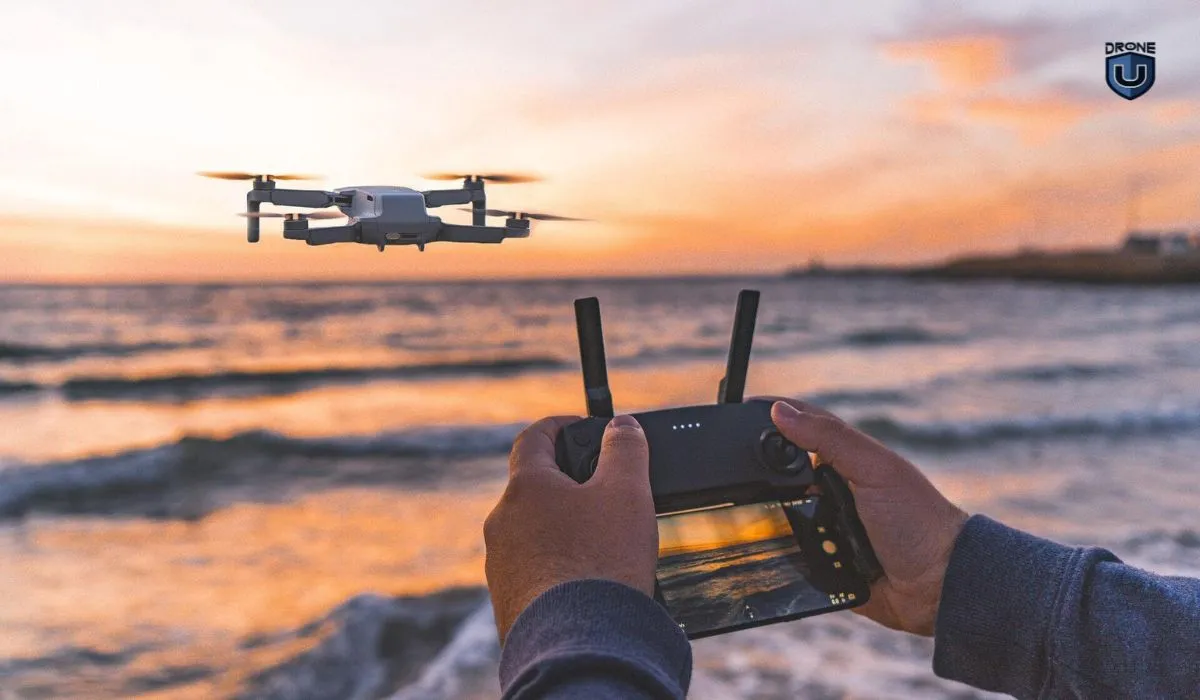
Drone videography is the art of capturing video footage from the sky using a drone. The drones are equipped with high-definition cameras on a stabilized gimbal. It combines three distinct skill sets: piloting, cinematography, and post-production. This is why the best aerial operators are filmmakers who happen to fly, not pilots who happen to own a camera.
The drone enables you to capture unique and breathtaking views at a fraction of the cost of a helicopter or crane.
Picture yourself on the edge of a cliff, looking down at a beach where waves are gracefully rolling along the shore.
Or the sun dipping towards the horizon, painting the town with a warm golden color.
Imagine making this entire experience real through a drone shot. This is what makes drone videography so captivating.
Drone videography is much more than just taking videos from the sky. It’s both an art and a science in motion. Let’s find out how.
Ground shots are our everyday viewpoint. Drone video breaks this monotony, offering a fresh perspective.
Remember the last time you were on an airplane, looking down? Those beautiful, breathtaking visuals can be a reality in any creative project you undertake.
I once had a buddy, a real estate agent, who had a listing that wasn’t grabbing anyone’s attention. He made a drone video showcasing the entire property in order to provide a fresh and unique perspective. He caught the vast expanse of the property’s land and how it nestled up against a gorgeous forest.
Suddenly, everyone could see the context and charm of the property clearly. Before they knew it, it was snapped up by a buyer.
A drone lets you capture places that are difficult or impossible to reach on foot.
You can film narrow canyons, remote coastlines, and dense forests, giving your audience a view they wouldn’t otherwise see.
A few years back, capturing the sprawling cityscape or the winding river would have meant hiring a helicopter. With drones, these cinematic shots aren’t just for big-budget studios anymore.
Even a college student working on a film project can capture the majesty of a landscape or the buzz of city life from above with a drone.
That being said…let’s get familiar with the applications of drone videography.
Drone videography is used across two broad categories:
I. Creative Uses of Drone Videos
II. Technical Uses of Drone Videos
Let’s begin by exploring the creative applications of drone videography.
The following are the six creative sectors where you can use drones for photography and videography:
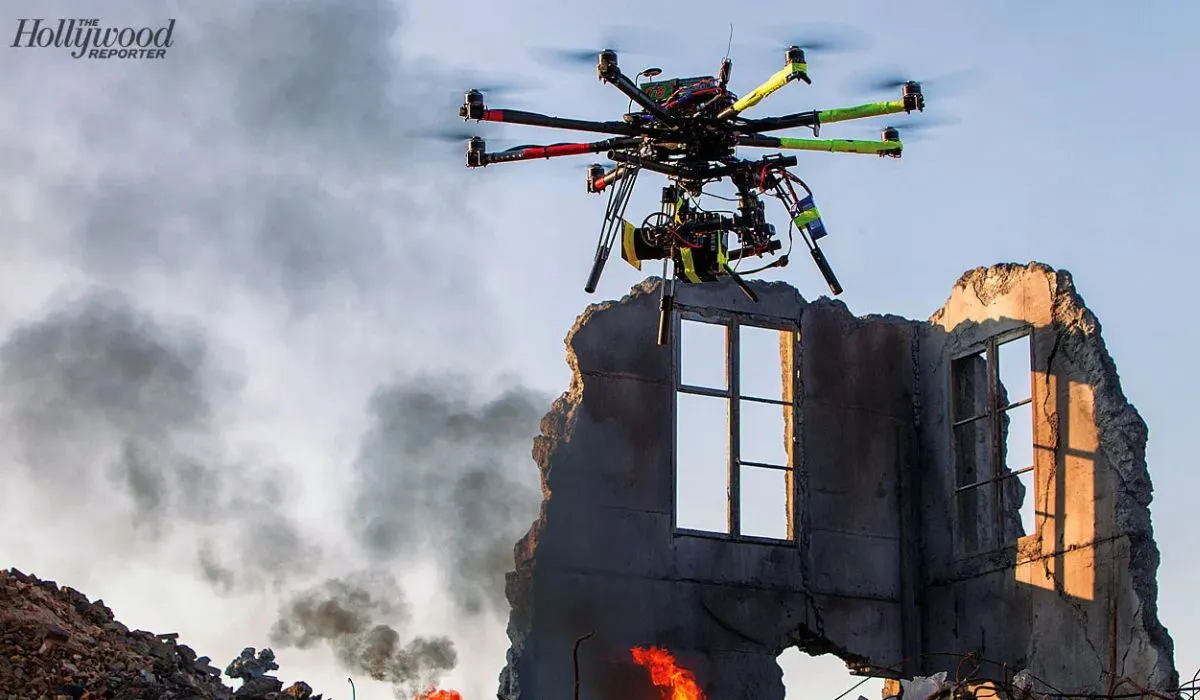 Expandable 3-shot | Source: Hollywood Reporter
Drones make it easy to capture aerial establishing shots and smooth tracking sequences. Independent filmmakers can achieve cinematic shots that once required helicopters, cranes, or expensive camera rigs.

Drones show buyers a property from above. Buyers can see the home, lot boundaries, and the surrounding neighborhood. They also highlight the architecture that makes a place unique.
Real estate is one of the easiest markets for new drone pilots. Projects are short, and clients often need quick delivery.
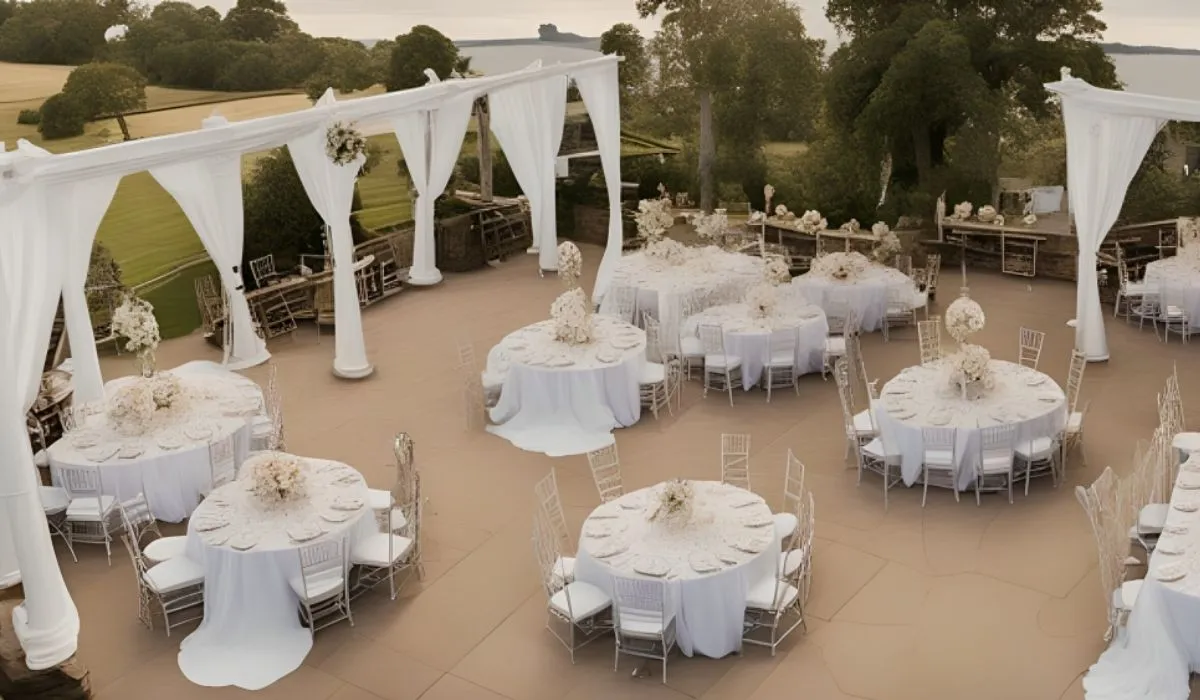
Drones capture weddings from a unique perspective. They film the venue, ceremony, and outdoor celebrations from above. They also create memorable group shots and venue overviews that ground cameras cannot.
From the “I dos” to the dance floor, drones give us memories that are as unique as they are magical.
Inside our “How to Film a Wedding” Course, you will discover the nitty-gritty of capturing breathtaking aerial videos using drones.
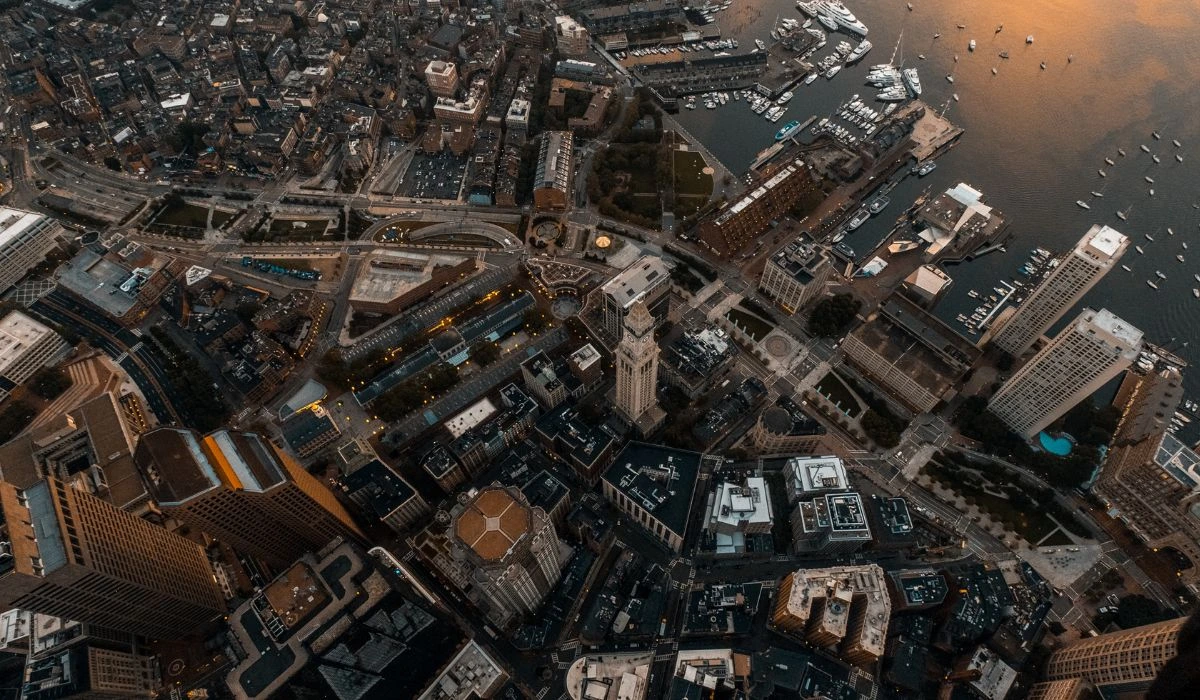
Ever wondered what it’s like to see a travel destination from a bird’s-eye view?
Drones showcase destinations from the air. They capture landscapes, coastlines, landmarks, and resorts. Tourism businesses use this footage to attract visitors. Travelers also get a better idea of what to expect before they arrive.
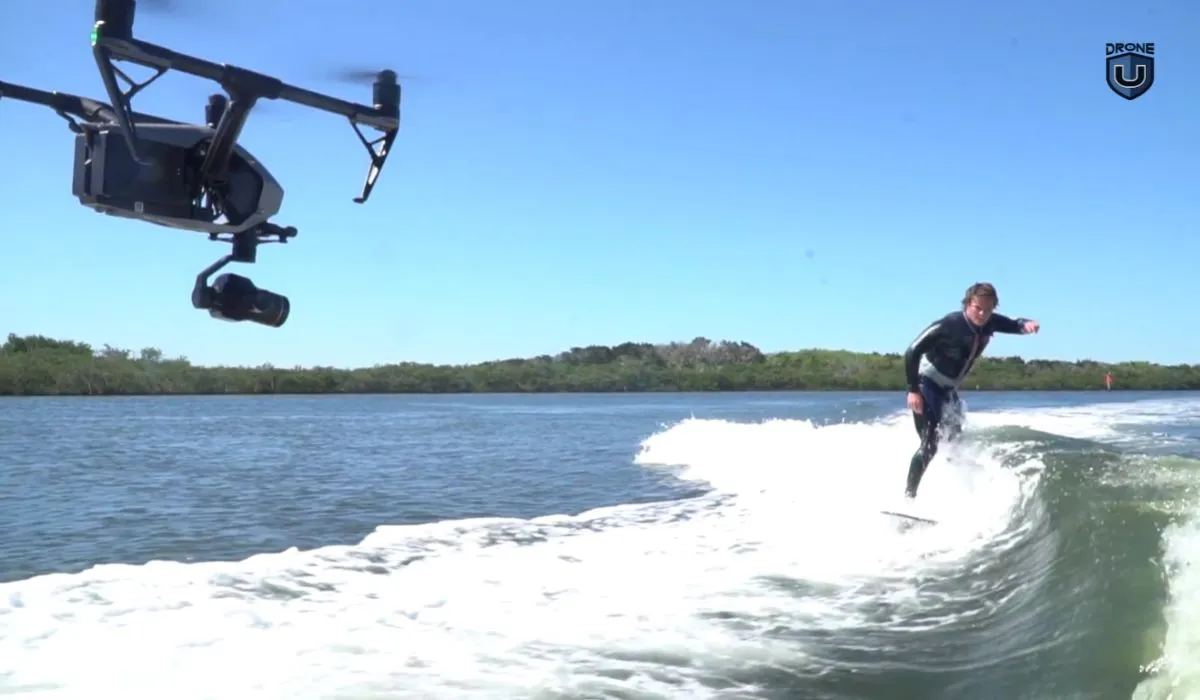
In the sporting world, drones have become an integral part of many teams’ planning and strategy processes. Teams are flying drones at practices and actual games as they provide a perspective that until recently was not practically achievable. Everything from soccer and football to surfing and beyond is using them regularly.
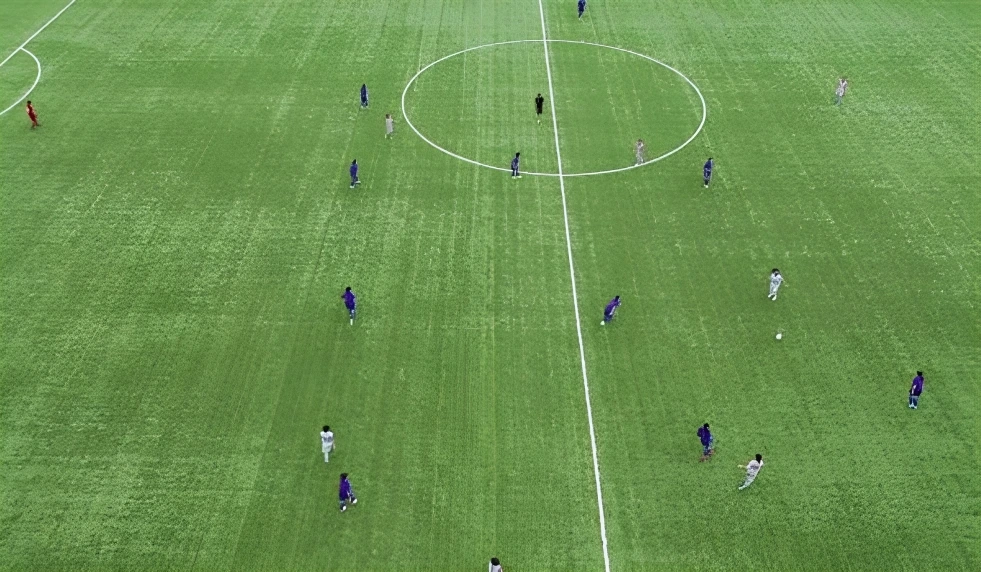
Unmanned aerial vehicles (UAVs) are turning sports and fun into a visual spectacle. Whether it’s capturing crazy shots of extreme sports or showing us unique angles at stadium events, drones are adding a new layer of excitement. They’re letting us experience the action like never before.
For instance, Drone U co-founder Paul Aitken shot this incredible Cinewhoop video for a baseball team.
Paul has shared a bunch of tips and tricks for producing awesome Cinewhoop videos with the Isotopes team. This video is packed with insights on nailing different angles for top-notch video production.
Click here to explore our comprehensive guide on Cinewhoops.
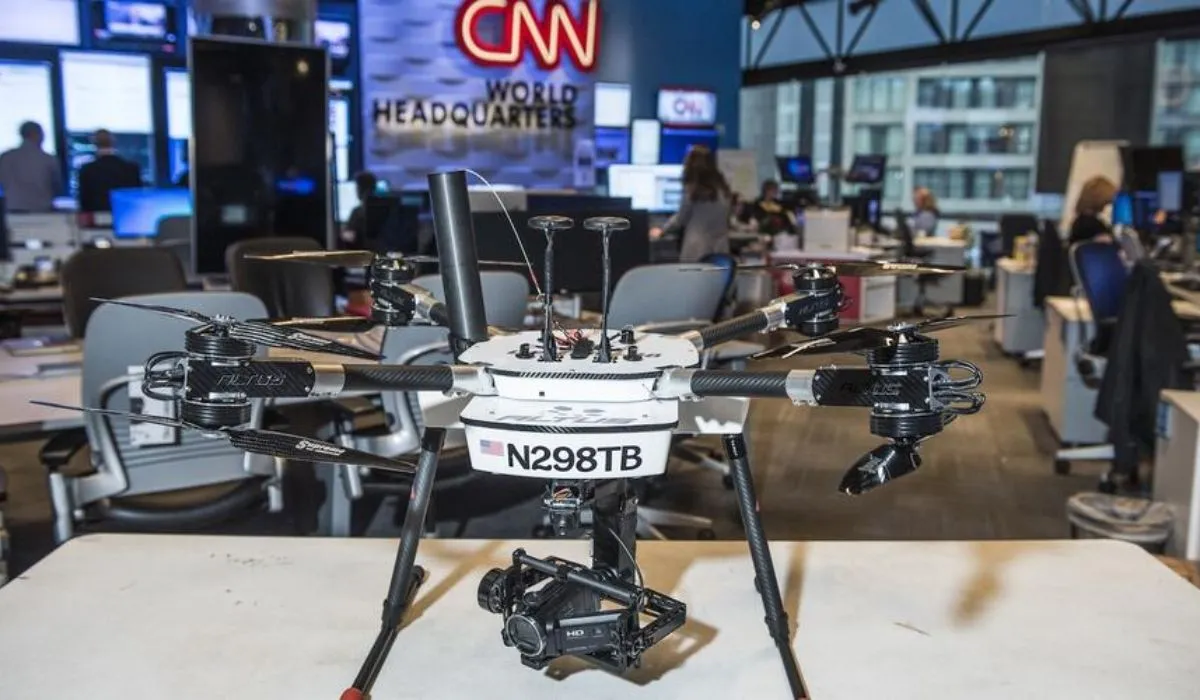 CNN Air | Source: Aviation International News (AIN)
Drones help journalists cover events safely. They reach places that are difficult or dangerous to access on foot.
News teams use them to document natural disasters, traffic incidents, wildfires, floods, and large public gatherings.
Drones do much more than capture cinematic footage. They also play an important role in industries such as construction, agriculture, public safety, and surveying. Let’s look at how businesses use drones to solve real-world problems.
We will take a closer look at six areas where drones can excel in videography to capture detailed footage:
In each of these sectors, we’ll explore how drones can be a valuable tool for capturing videos.
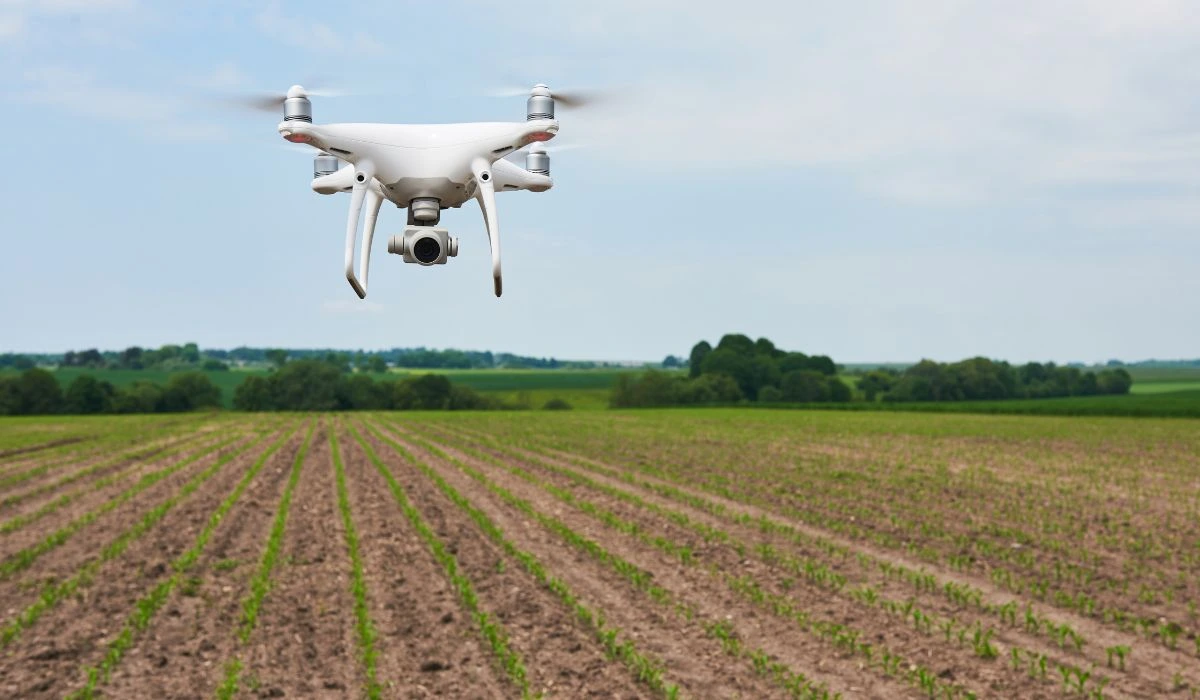
Farmers are using drones to keep an eye on their crops, check out the fields, and get data that helps them grow food more efficiently.
Drones are like the farmer’s secret weapon, helping them make smarter choices about how they use their resources and take care of their land.
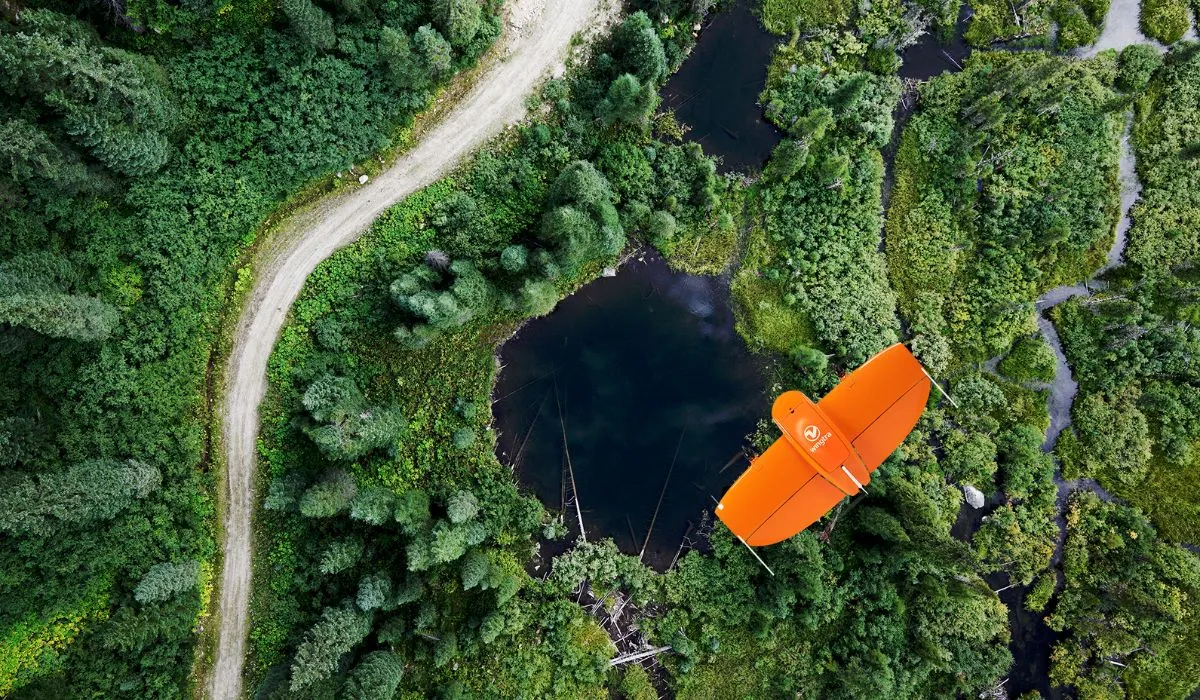 Source: Above Sensing
Drones have changed how researchers monitor the environment. Researchers still use satellites, manned aircraft, ground stations, and manual sampling. However, drones help them collect detailed data faster and at a lower cost.
Researchers use drones to:
Drones can reach remote and hazardous areas without putting people at risk. They also capture high-resolution images and data across large areas. Researchers use this information to track environmental changes and protect natural ecosystems.
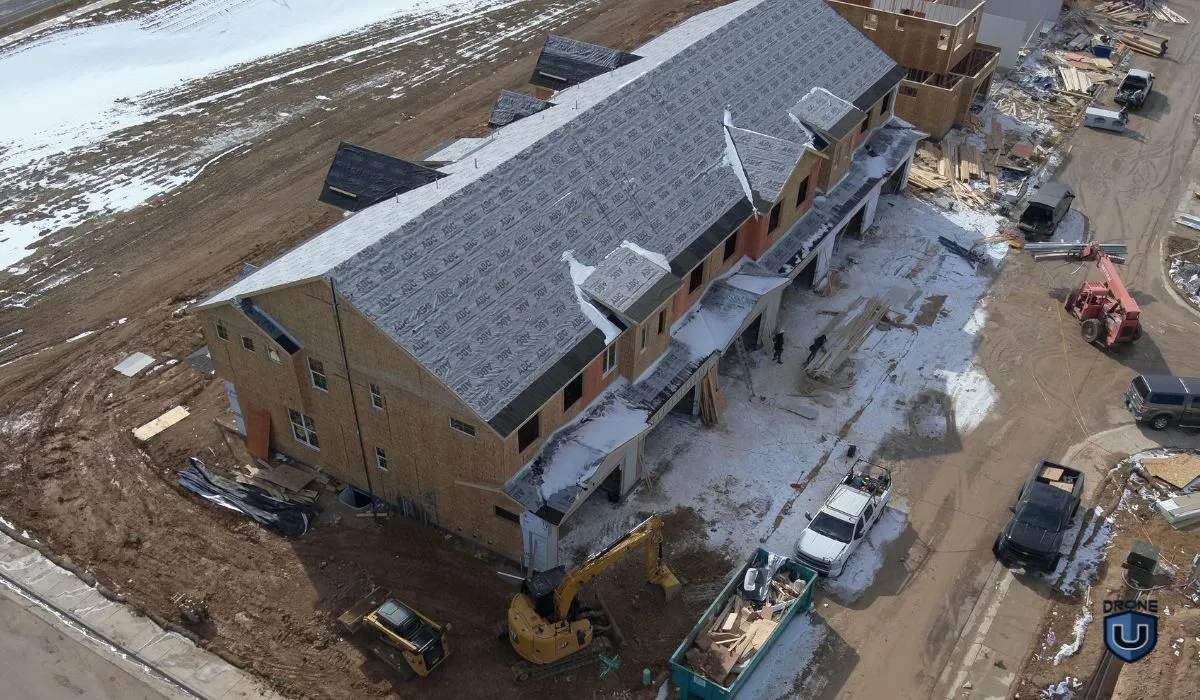
Drones help construction teams monitor projects from the air. They give teams a clear view of the entire site.
Construction companies use drones to:
Teams can fly drones regularly to track changes over time. They can also spot potential issues before they become larger problems. This helps teams manage projects and reduce unnecessary site visits.
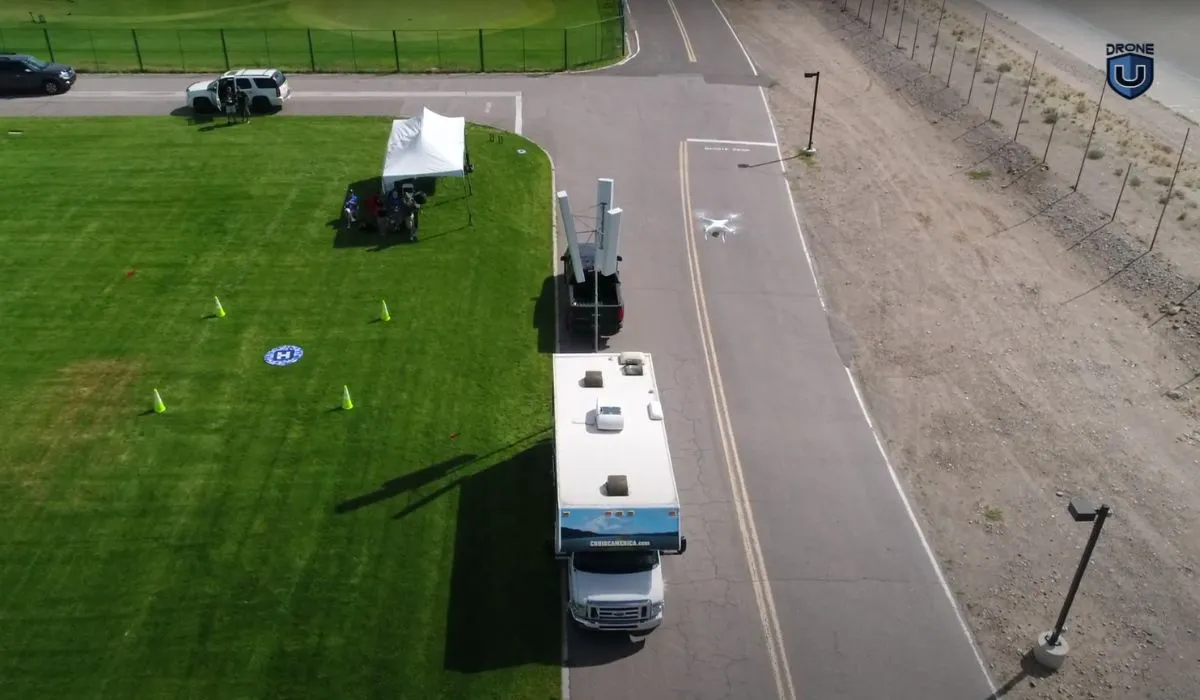 Cell Tower Inspection
Drones make surveying and mapping faster and more efficient. They cover large areas and capture high-resolution aerial images in a short time.
Surveyors use drones to create:
Drones also reach remote and difficult terrain. Survey teams can collect detailed data without sending workers into dangerous areas.
Companies use drone mapping data for construction, urban planning, disaster response, land management, and other applications.
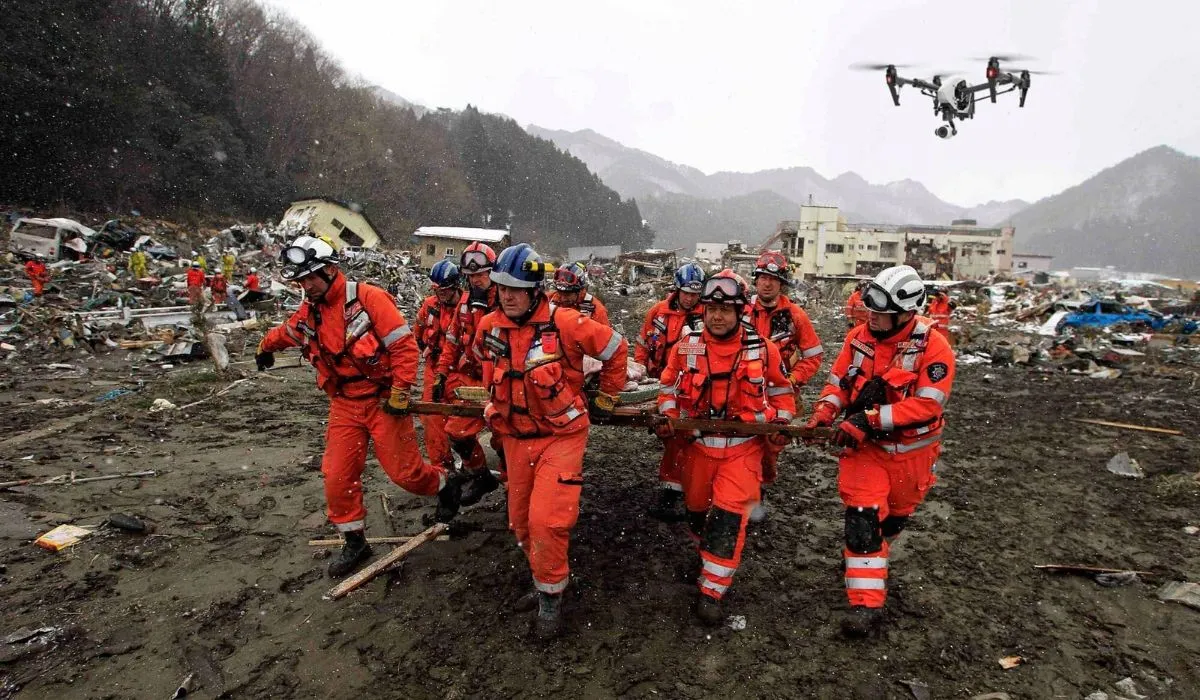
Drones help search and rescue teams cover large areas quickly. They give teams an aerial view that can help them locate missing or injured people.
Many drones also carry thermal cameras. Operators can use these cameras to detect heat signatures in low-light conditions.
Drones can help teams reduce search times. They also keep rescue personnel away from dangerous areas when possible.
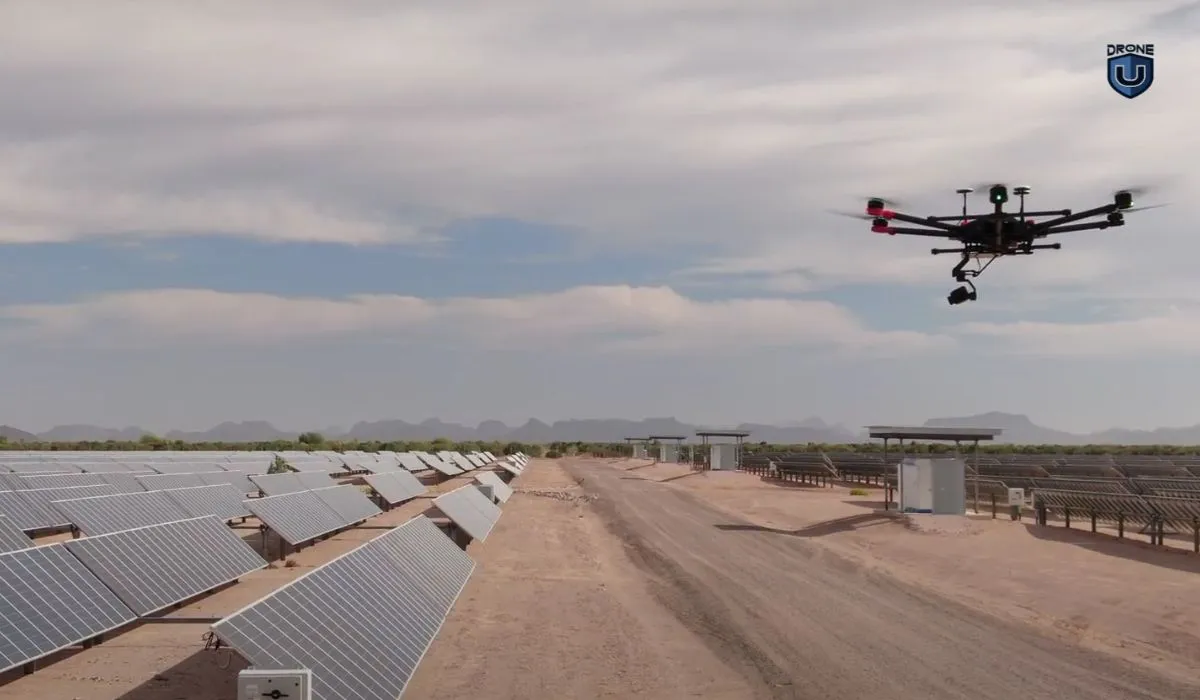 Solar Inspection
Drones help companies inspect structures faster and more safely. They can reach tall, remote, and dangerous areas without putting inspectors at risk.
Companies use drones to inspect:
Drones capture high-resolution images that inspectors can review for damage and defects. Some teams also use AI to analyze these images and speed up defect detection.
After learning about the various ways drones are used for videography, let’s dive deeper into capturing the best drone videography shots with even more valuable insights.
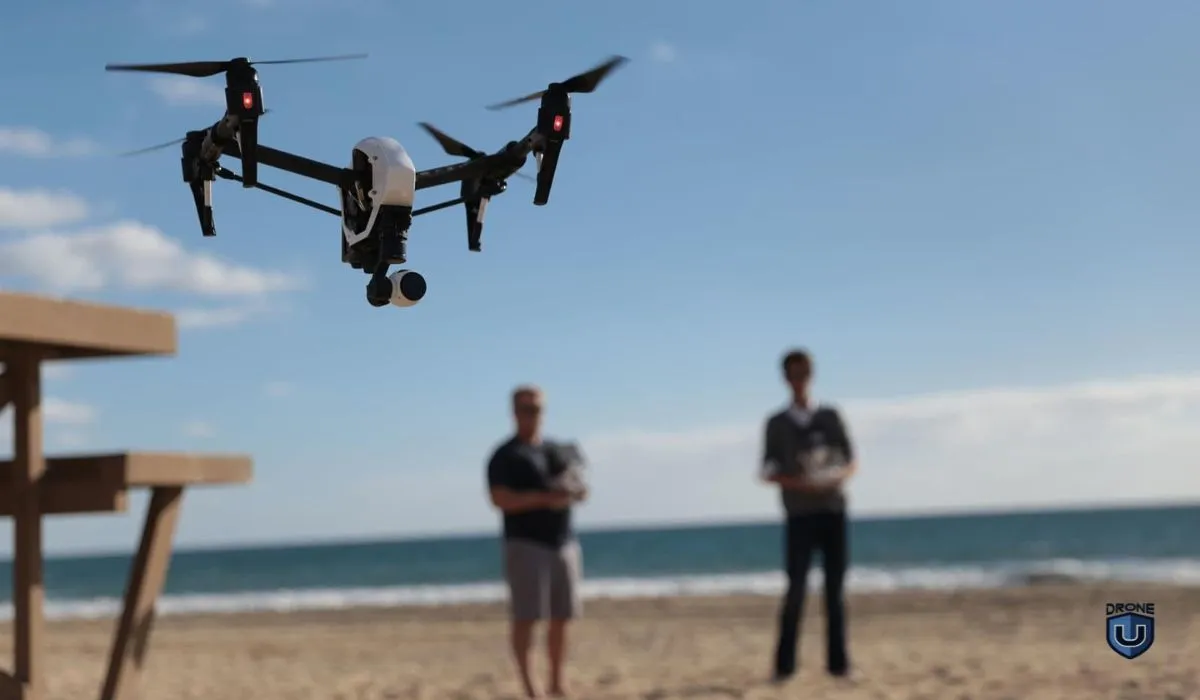
Aerial drone videography is an art form that combines cutting-edge technology with creative storytelling. With the right guidance and practice, you can capture breathtaking aerial shots that rival those seen in Hollywood productions.
Let’s explore the essential factors you should consider to capture the best drone shots and videos.
Before flying, understand the rules and restrictions in your region.
Find out which drone laws apply in your country and obtain the necessary certifications or licenses, if necessary. Many countries require drone pilots to pass exams, such as the FAA Part 107 License required in the United States.
For those in the U.S., we recommend exploring Drone U’s online resources on the FAA Part 107 if you’ve not already passed the Part 107 test. This resource has helped thousands of aspiring drone pilots achieve their Part 107 certification.
Flying a drone is a skill that takes time to develop. It requires consistent practice. In doing so, you’re much more likely to become proficient in getting the most out of your drone.
A great place to start if you’re relatively new is mastering the four fundamental joystick movements: thrust, yaw, pitch, and roll.
Drone U’s one-day Flight Mastery training will give you an excellent head start. In this hands-on course, you’ll learn safe drone operations, strategies for practicing, techniques for getting creative shots, and most importantly, you’ll leave as a much more confident pilot. Click here to learn more.
To enhance your manual flight skills, consider these exercises:
Once you’ve gained confidence in manual flight (often called Attitude Mode), experiment with various basic aerial drone videography shots, including panning, forward reveals, drones, orbits, and birds-eye views.
Remember to execute these shots slowly and cinematically for the best results.
To learn the basics of flying a drone for the first time, we suggest you take Drone U’s First Time Flying Course.
Manual skill comes first. But modern drones ship with intelligent flight modes that sharpen your footage.
DJI and most other manufacturers offer Tripod/Cinematic Mode, Course Lock, Point of Interest, Waypoints, and ActiveTrack. These modes cut your workload and unlock moves that are hard to fly by hand.
Learn Return-to-Home before you need it. Misused RTH causes crashes, especially over water. Set your RTH altitude deliberately and know exactly what triggers it.
Flying a specific model? Our model-specific Don’t Crash Courses cover the Mini 5 Pro, Mavic 4 Pro, Avata 2, and more.
Think like a filmmaker.
A drone is only as good as the operator’s grasp of storytelling and cinematic techniques.
Consider enrolling in a comprehensive Advanced Aerial Videography Course, where you can learn how to interpret lighting, camera angles, and motion to create compelling narratives.
Embrace the simplicity of drone videography, focusing on subtle camera movements and creative decisions.
You don’t need the newest drone to shoot and produce professional work. Your filmmaking skill decides the outcome.
Effective planning is essential for successful drone missions. Develop a workflow that includes:
As you gain experience, you can refine your planning process and become more efficient in preparing for each flight.
Our ‘Don’t Crash Course‘ prevents you from costly mishaps resulting from unforeseen knowledge gaps.
Start your flight path before the shot begins. Keep flying after it ends. This gives your editor room to work. It also builds the pacing that separates professional footage from amateur clips.
The final step in the drone videography process is post-production. While capturing high-quality footage is crucial, the magic often happens during editing.
Invest time in learning how to edit and color-correct your shots to achieve the desired look and feel.
Consider enrolling in editing classes for professional software like Apple’s Final Cut Pro, Adobe Premiere, or DaVinci Resolve. Learn keyframing, speed ramps, and controlled zooms.
These tools turn raw clips into a finished film. Our Photo & Video Editing Bundle packages the whole path.
Embrace challenges, be open to learning, and most importantly, let your passion for storytelling drive your journey in this exciting visual medium.
Four settings separate cinematic footage from amateur clips. Shoot a flat color profile. Set your shutter to double your frame rate. Use ND filters. Film at 24–30fps.
Double your frame rate to get your shutter speed.
This ratio creates the natural motion blur your eye reads as cinematic.
Footage shot at 1/1000s stutters. It looks like video, not film. It is the fastest way to spot an inexperienced operator.
Daylight will blow out your exposure at 1/50s. Neutral density filters cut the light so you can hold the correct shutter speed. Carry an ND8, ND16, and ND32. ND16 handles most bright midday light.
D-Log and D-Log M capture a flatter image. You keep far more detail in the highlights and shadows. That latitude gives you room to grade.
Flat footage looks washed out off the card. That is the point.
Not grading? Then shoot a standard profile instead. An ungraded D-Log clip looks worse than a well-exposed normal one.
Sensor size, bitrate, and codec beat raw resolution every time. A 1-inch-sensor 4K drone outperforms a small-sensor 8K drone. Shoot 4K at the highest bitrate your drone offers. Use 10-bit color if you have it.
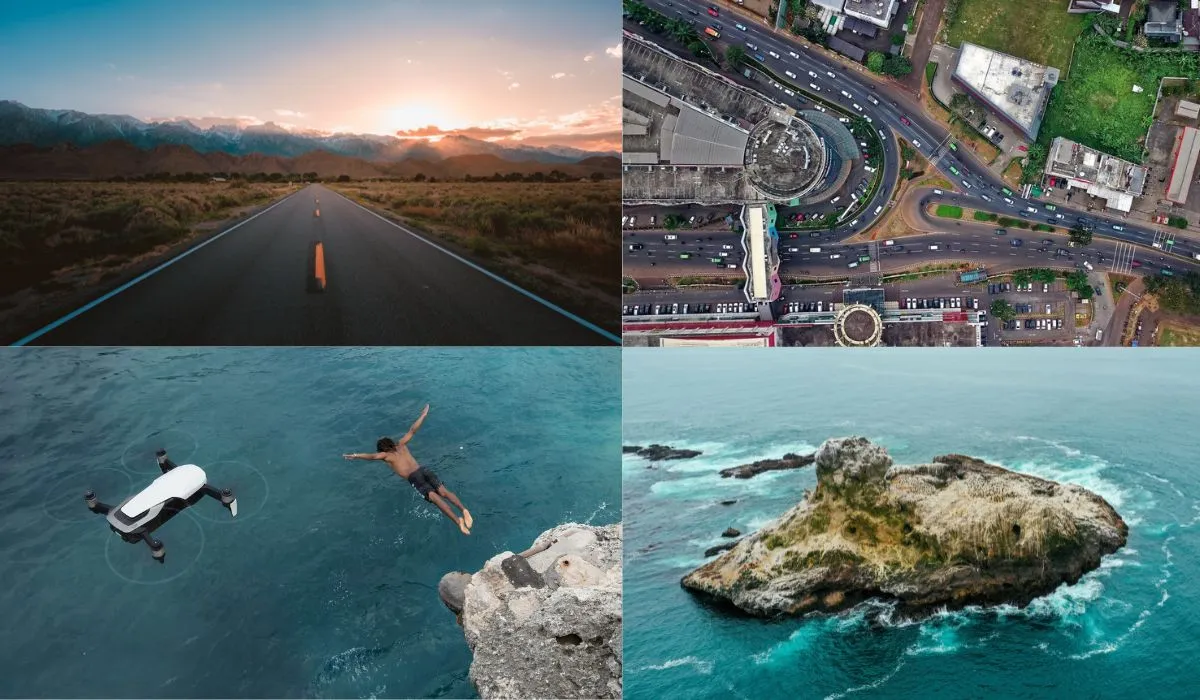
Aerial drone videography offers a distinct viewpoint that adds drama, scale, and depth to any project.
Here are some of the most common types of shots used in drone videography:
The drone moves forward or backward, “dollying” toward or away from a subject. This technique adds depth to a scene.
Take a look at this Dolly Zoom Shot from The Lord of the Rings:
This shot sets the context, often used at the beginning of scenes. It provides a wide view of the location, helping viewers understand the setting.
Check out this video to understand more about Establishing Shots:
In this shot, the drone follows a subject, be it a person, vehicle, or animal. It imparts a sense of movement, frequently seen in action or sports videos.
Check out some examples of Tracking Shots in this video:
The drone moves horizontally (left or right) across a scene, like a camera on a slider track.
Here are 6 Epic Slider Shots that you can use in your next video:
Similar to a crane’s motion, the drone starts low and rises into the air, revealing landscapes or cityscapes. This shot creates a feeling of grandeur and scale.
Watch the video below for some insight into operating a Jib:
While the drone remains stationary, the camera pans left or right, capturing wide landscapes or tracking moving subjects.
Check out this video to learn more about Panning Shots:
Drones with zoom lenses (though not all have them) can utilize zoom to “push in” or “pull out” from a subject, altering the viewer’s perspective.
Watch this video of Wes Anderson’s use of Zoom Shots:
When incorporating these shots into your drone videography, consider the story or message you intend to convey. The type of shot you choose significantly impacts the video’s emotion, pacing, and narrative.
Mixing different shots can create dynamic and engaging visuals, enhancing the overall impact of your content.
Let’s move on to exploring the best drones that are perfect for capturing great videos and photos from the sky.
Drone videography has come a long way, offering exciting opportunities for filmmakers, photographers, and hobbyists.
When it comes to capturing amazing aerial footage, having the right drone is important.
Here is the list of the top drones that stand out for their performance, features, and video quality.
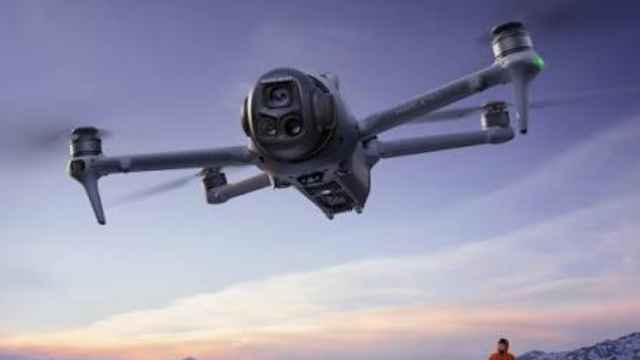
The Mavic 4 Pro suits professional videographers who need high image quality and flexible camera options. Its Hasselblad camera and telephoto lenses help you capture detailed footage from different distances. Choose it for commercial projects, real estate, tourism, and branded content.
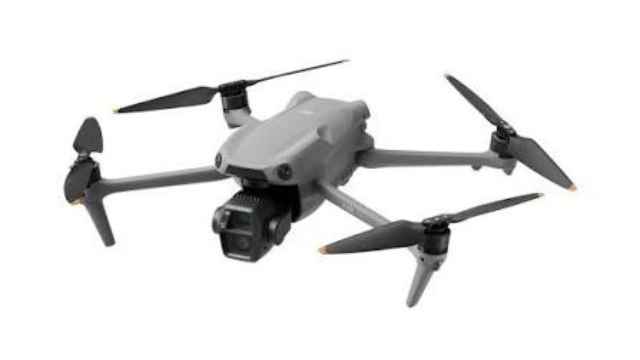
The Air 3S gives most creators a strong mix of image quality, flight time, and price. Its main camera handles detailed footage, while the 70mm telephoto camera gives you more framing options. Choose it for real estate, weddings, travel, and social media content.
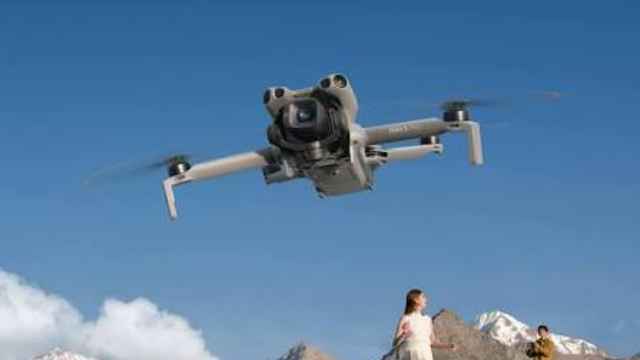
The Mini 5 Pro works well for creators who want a lightweight drone without giving up image quality. Its compact design makes it easy to carry while traveling. Choose it for travel videos, vlogs, and everyday content.
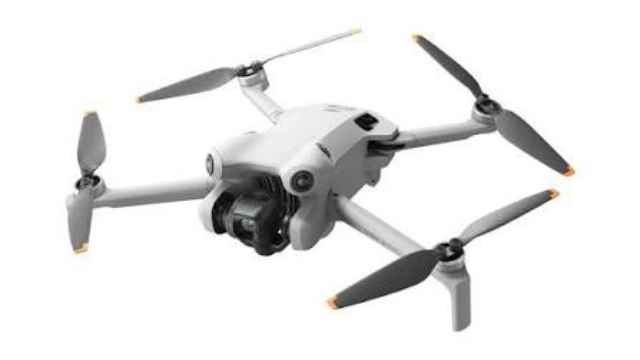
The Mini 4 Pro gives beginners and budget-conscious creators a capable camera drone at a lower price. Its small size makes it easy to carry and use for travel, social media, and real estate content.
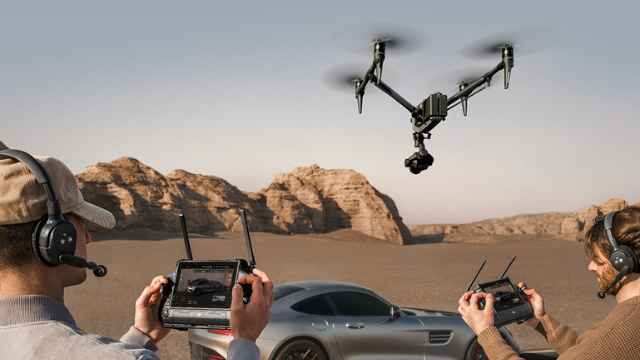
The Inspire 3 targets filmmakers who need professional cinema capabilities. Its full-frame camera system and interchangeable lenses give filmmakers greater control over image quality and composition. Choose it for feature films, television, and high-end commercial productions.
The best drone depends on what you plan to film. Think about camera quality, sensor size, flight time, portability, and obstacle avoidance before you buy.
Choose the DJI Mavic 4 Pro if you shoot commercial projects. Its 4/3-inch sensor, triple-camera system, and 360° Infinity Gimbal deliver excellent image quality. It also offers one of the longest flight times in its class.
Choose the DJI Air 3S if you film homes, weddings, or social media content. It combines a 1-inch main camera with a 70 mm telephoto lens. It also offers reliable obstacle avoidance and excellent value for its price.
Choose the DJI Mini 5 Pro if you travel often. It weighs under 250 g, making it easier to fly recreationally in many countries. Despite its small size, it captures high-quality video with a large image sensor.
Choose the DJI Inspire 3 if you produce films or high-end commercial work. Its interchangeable camera system and professional flight performance make it the best option for cinema-quality production.
Tip: Larger drones don’t always produce better footage. In tight spaces or under tree cover, a smaller drone like the Air 3S can often fly more smoothly and safely.
Great drone footage doesn’t end when the flight is over. Editing plays a major role in the final result.
Sort your clips by location, subject, or shot type. This makes it easier to find the best footage during editing.
Choose your strongest shots first. Start with a wide establishing shot, then add tracking shots, reveals, and close-up details to create a smooth sequence.
If you filmed in D-Log or another log profile, correct the exposure and white balance before adding a creative color grade. This creates a natural and consistent look.
Export your video using the right resolution and format for YouTube, Instagram, TikTok, or your client’s requirements.
Remember: Smooth flying and thoughtful editing will improve your videos far more than expensive equipment alone.
Run these steps before every drone videography mission:
Carry insurance. Fly commercially, you need liability coverage. One crash into a car or a bystander ends your business without it. Most clients now demand proof before they book you.
Remember, a well-maintained drone not only serves you longer but also captures better, more stable footage.
 2
2
Add Your Comment